Orbit provides a straightforward way to manage the users who are part of your organization. View, filter, and manage your member base from the admin portal, with flexible options for how users can register and sign in.
Viewing Users
The admin portal gives you a clear view of all users in your organization:
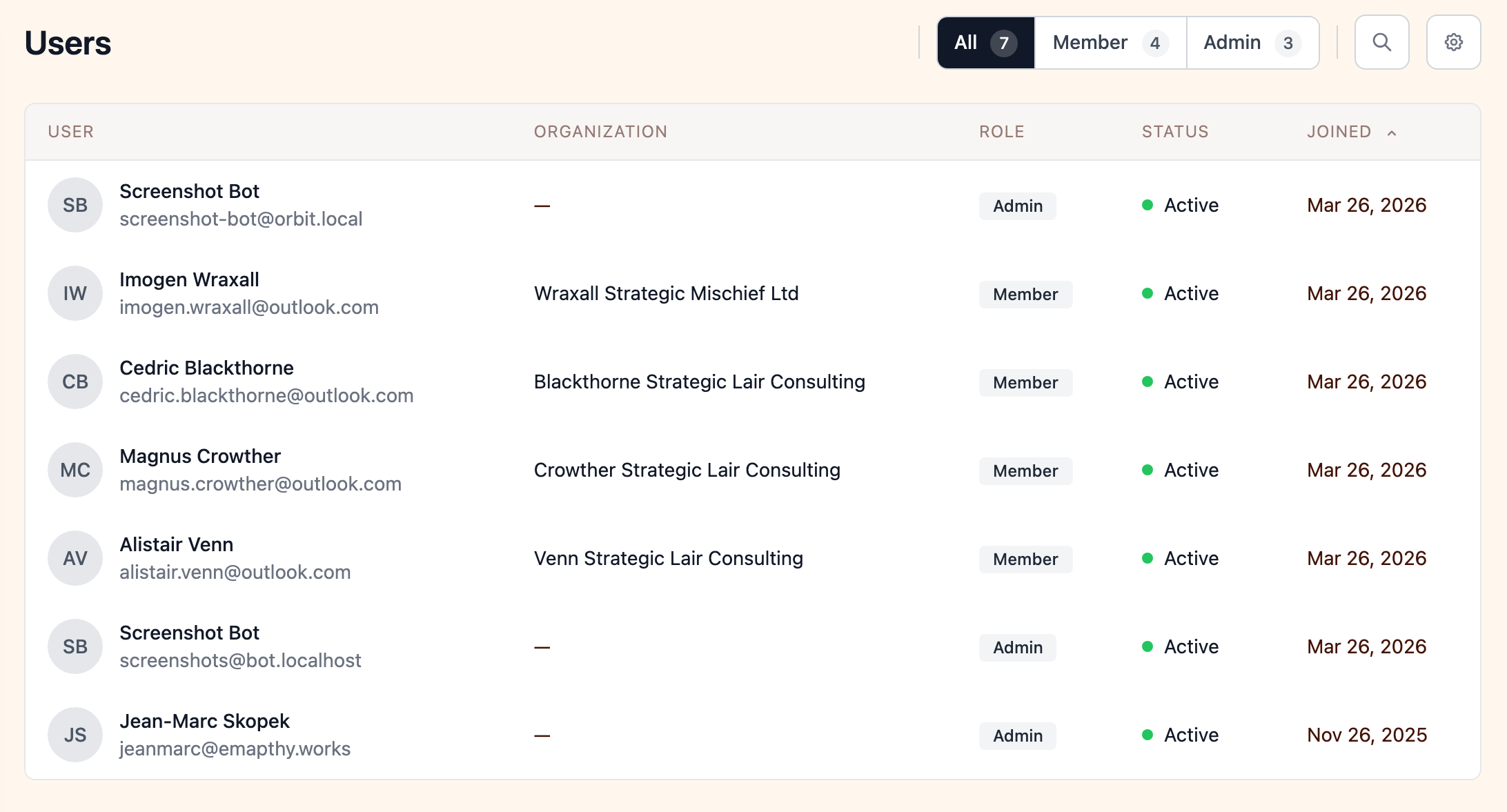
- See all active and inactive users at a glance
- Filter by status (active, inactive)
- View when each user joined
- Search by name or email
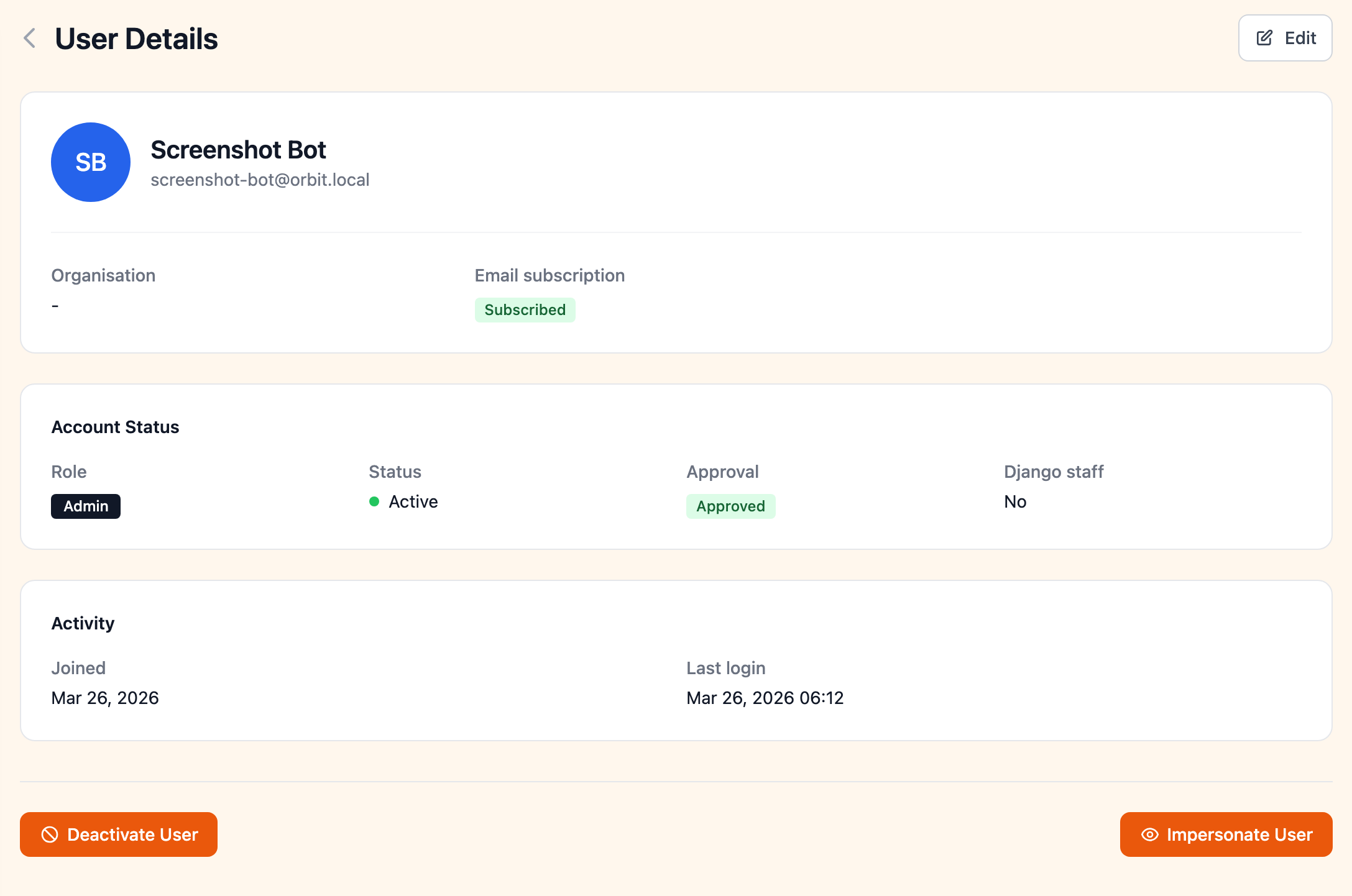
Click on any user to view their full profile, including their role, membership status, activity history, and account details.
Adding Users
There are several ways to add users to your organization:
Self-Registration
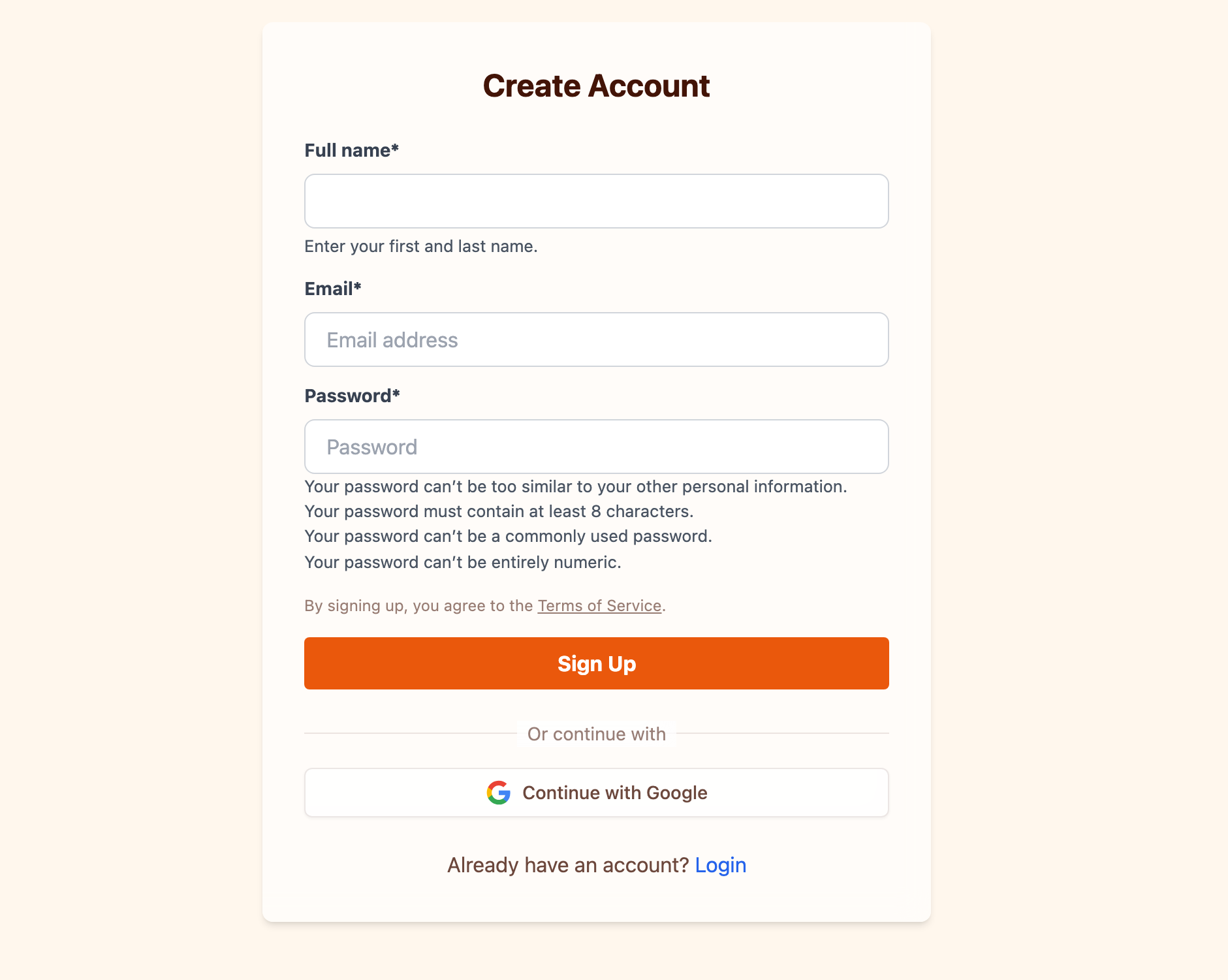
Users can sign up on their own through the registration page. You can control the registration experience with several options (see Registration Settings below).
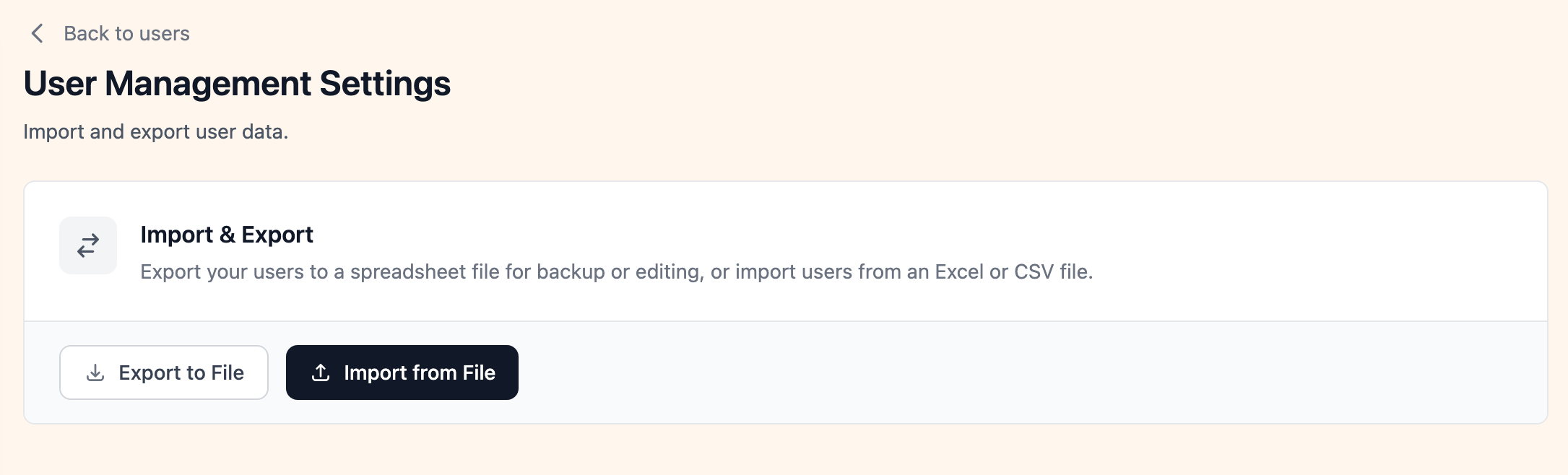
Import from Spreadsheet
For bulk onboarding, import a list of existing users via CSV or Excel. This is useful when migrating from another platform or adding a large group of members at once.
Manual Creation
Admins can create user accounts directly from the admin portal.
Registration Settings
You have control over how new users can register and sign in. These settings are managed from the admin portal under Settings.
Admin Approval
You can require admin approval for all new registrations. When enabled:
- New users who sign up are placed in a "pending approval" state
- They can log in but are redirected to a pending approval page until an admin approves their account
- Admins are notified of pending registrations and can approve or reject them
This is useful for organizations that need to verify membership eligibility before granting access.
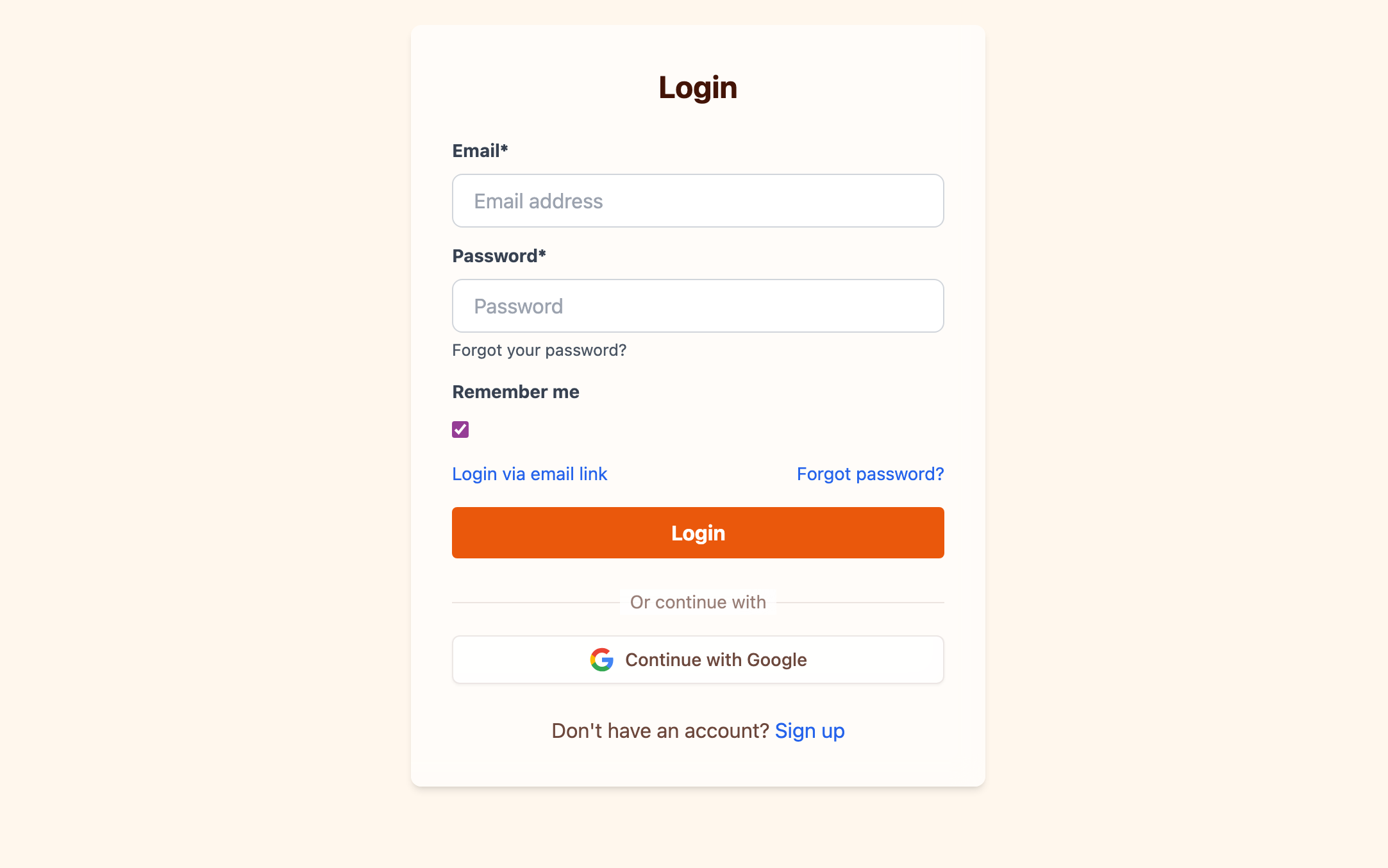
Google Login
You can enable login via Google, allowing users to sign in with their existing Google account. This simplifies the registration process and removes the need for users to create a separate password. Google login can be enabled or disabled from the settings page.
Custom OAuth2 (Higher Tier Plans)
For organizations on higher tier plans, Orbit supports connecting your own OAuth2 identity provider for single sign-on (SSO). This allows users to sign in with your existing identity system — such as Auth0, Okta, Azure AD, or any standard OAuth2-compatible provider.
Configure your OAuth2 provider by entering the client ID, client secret, authorization URL, token URL, and user info URL. This is ideal for organizations that already manage user identities through a centralized system and want seamless login integration.